Fan-made editor
GTA 6 Meme Video Maker
Animate a caption over your photo or clip and save it as a short video.
Start editing
Templates
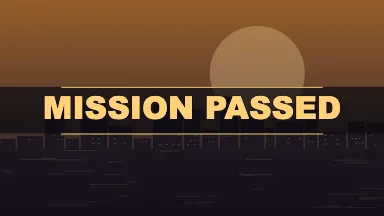
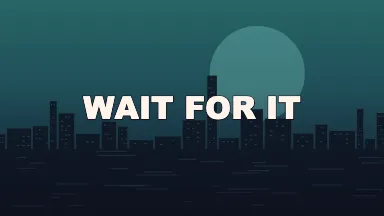
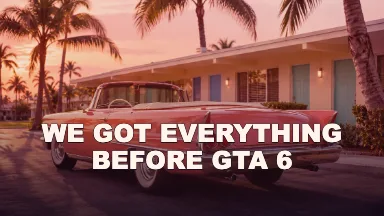
Put the caption in motion
Choose the entrance
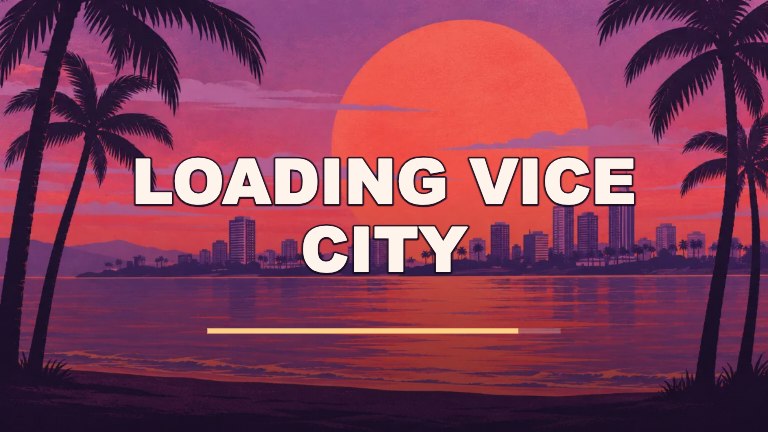
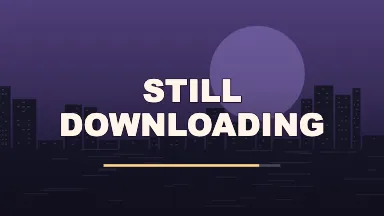
A sliding banner puts the title on screen quickly. Typewriter works for a punchline that builds word by word. The loading scanline looks right over a still image when the joke is about waiting.
Use just enough footage
Bring in a video file and adjust Clip start to the moment where the action begins. A reaction usually needs only a few seconds. Use a wider ratio if important movement is close to either side of the frame.
Preview in the shape you plan to post
Use 9:16 for a vertical clip, 16:9 for wide footage, or a square when you need the same crop in several places. Keep the subject near the middle of the frame and check that it has room for the caption.
FAQ
Can I choose a different animation?
Yes. The editor lets you switch between typewriter, slide, scanline, flash, zoom and still. The template suggests an effect, and the effect control lets you change it without replacing your media.
Does video export include sound?
The exported clip is silent. This makes the animation usable as a reaction, a loading screen or an insert. If you need an audio track, add it in your video editor after saving the clip.
Why is WebM or MP4 unavailable?
The available video formats depend on what your browser can record from a canvas. If your current browser offers neither format, you can still make an animated GIF in the GIF Maker.
Can I clip a video from a link?
The editor works with local files. Save a clip you have permission to use on your device first. Then add it, set the starting point and choose how many seconds to export.
How long can the video be?
Template videos can run for two, three or five seconds. When you work with a local file, the available footage caps that time. Use Clip start to move the interval later in the file.
Is this editor free?
Yes. You can use the templates, edit local media and download the result without signing up or buying credits.
Are my photos uploaded?
Your browser reads the file locally and renders the result on your device. Photos, videos and captions stay in the editor.
Is this affiliated with Rockstar Games?
This is an independent fan-made tool. It has no affiliation with Rockstar Games or Take-Two.