Fan-made editor
GTA 6 Memes & GIF Maker
Turn a photo or clip into a captioned meme or a looping GIF in your browser.
Start editing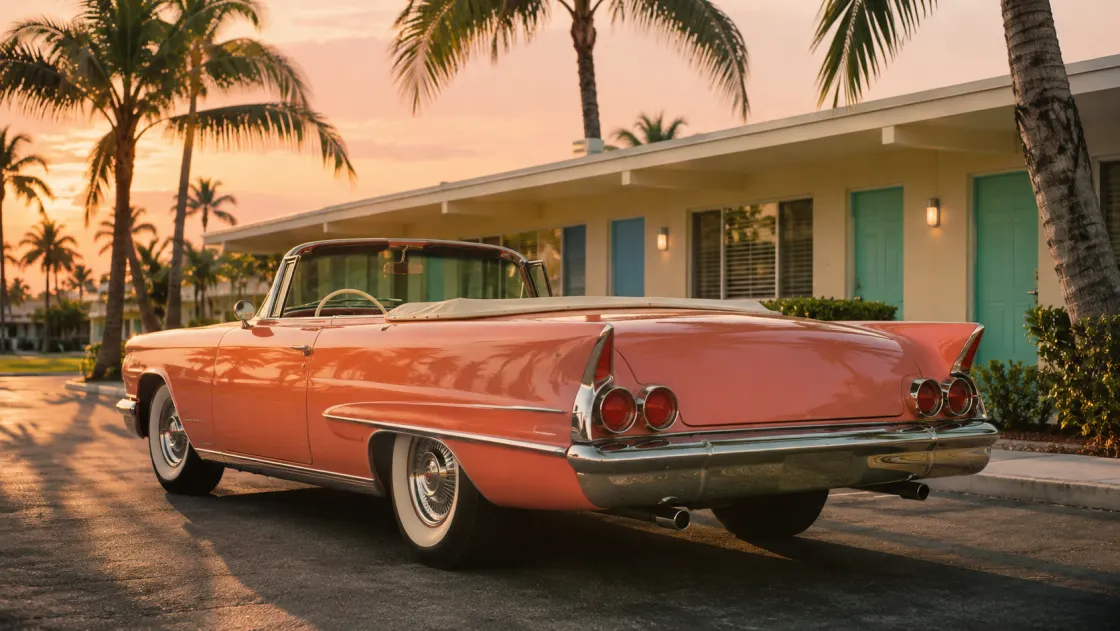
Templates

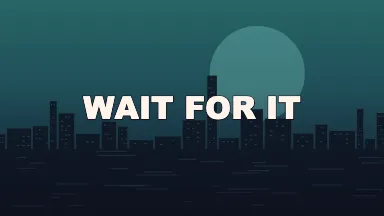
Make a GTA 6 meme
Pick a template
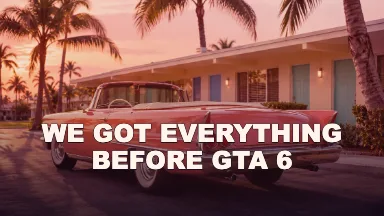
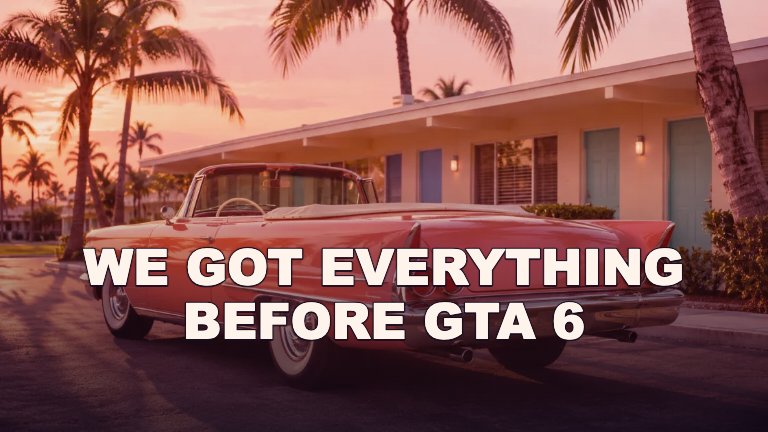
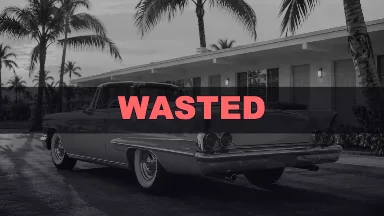
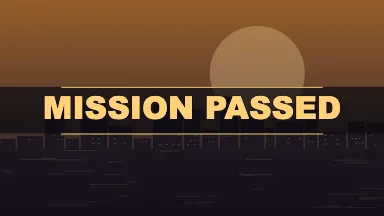
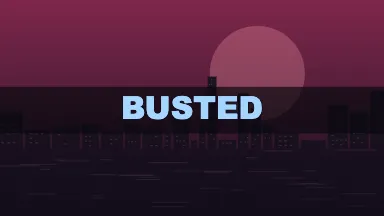
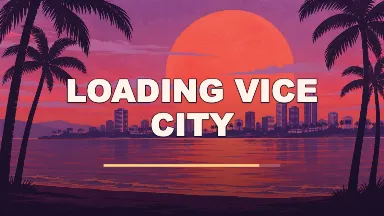
Use Before GTA 6 for an unexpected milestone, Wasted for a failed attempt, or Mission Passed for a very small victory. Each template comes with its own artwork and editable caption.
Make it yours
Replace the caption and optionally add your own background. Use 1:1 for a square post, 4:5 for a taller feed image, or 16:9 when the scene needs room on both sides.
Download
Choose PNG for a still image, GIF for a short loop, or WebM for video. Use Preview to see the timing before downloading an animated format.
FAQ
Can I use a template as it is?
Yes. Every template starts with a caption and original background. Select Remix to open that example in the editor, then download it or replace any of the text.
Where do the backgrounds come from?
The convertible photo and coastal illustration were generated for this tool. The city scenes are drawn by the editor. The editor layers the caption, motif and animation on the canvas so they can be changed.
Can I make a meme with my own picture?
Yes. Add a PNG, JPEG, WebP or still GIF as the background. Switch the aspect ratio to check how the image is cropped before you save it.
Can I use a short video instead of a picture?
Yes. Choose GIF or WebM, add a video file your browser can play, and choose where the clip starts. The exported animation uses the visible range.
Which format should I choose?
PNG keeps a still caption sharp. GIF repeats automatically in many chat apps. WebM contains a silent video and typically preserves more color than GIF.
Can I change a template’s wording?
Yes. The caption field controls the text on the canvas. You can insert a line break for a setup and punchline, or clear the field for an image without a caption.
Does it cost anything?
The editor and export formats are free and available without an account. Browser support determines which video format options are available on your device.
Are my files uploaded?
The editor reads your photo or clip locally and creates the result in your browser. The Privacy page explains the small set of anonymous usage counts the site can collect.
Is this affiliated with Rockstar Games?
This is an independent fan-made tool. It has no affiliation with Rockstar Games or Take-Two.