Fan-made editor
GTA 6 GIF Maker
Turn a reaction photo or a few seconds of footage into a looping GIF.
Start editing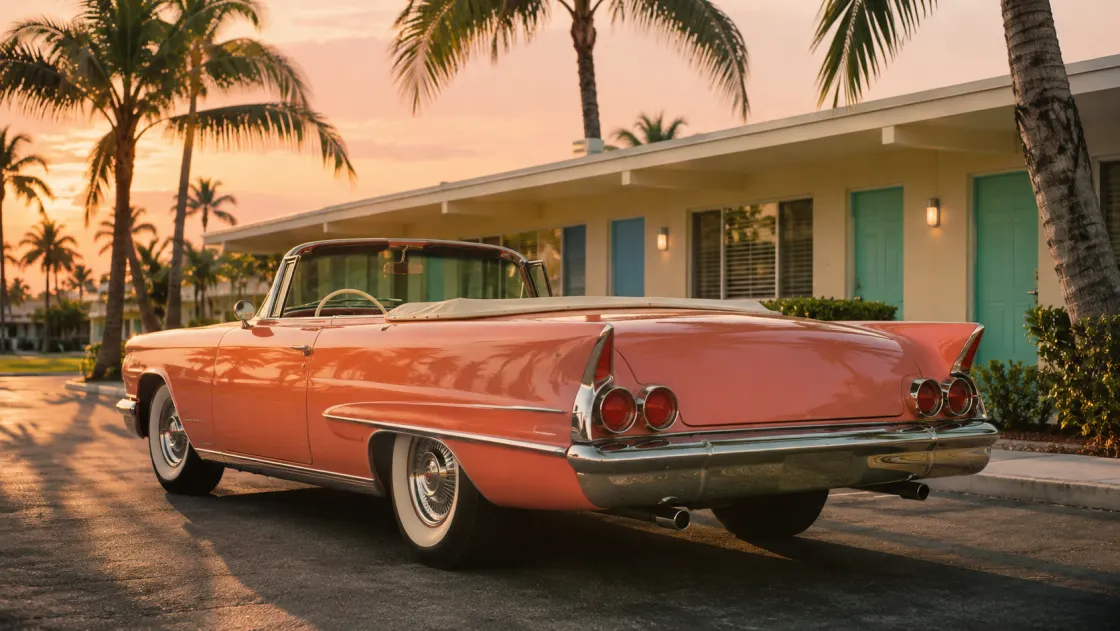
Templates

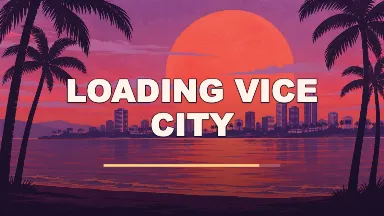
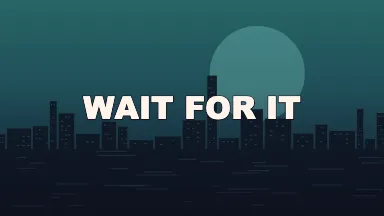
Make a loop that reads
Pick the reaction
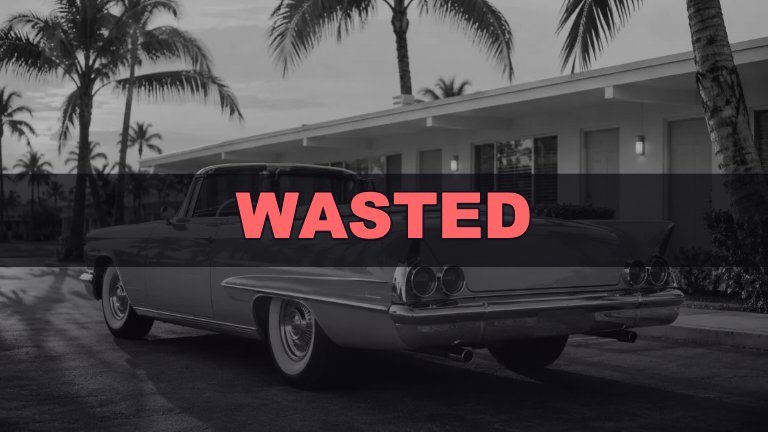
Wasted and Five Stars work well as quick reactions. Start with Wasted for a sudden fail, or Five Stars when a small annoyance deserves an exaggerated response. A short phrase leaves room to read the image on a small screen.
Choose the moment
Add a clip if the reaction is already in your camera roll. Set Clip start just before the action, then preview the loop at two or three seconds. A shorter loop puts the focus on the reaction and reduces the size of the GIF.
Watch the restart
A GIF repeats when it reaches the last frame. Use Preview to check the restart, especially after a hard cut. A template with a slow zoom usually needs less reading time than a caption that appears one letter at a time.
FAQ
Does this download a real .gif file?
Yes. GIF exports contain multiple frames and are set to loop. The browser encodes the file locally, including the template effects and the video frames when you use a clip.
Why does a GIF look different from the preview?
GIF uses a limited color palette. Smooth dusk skies and gradients may show bands after conversion. If you mainly care about keeping color detail, the Meme Video tool can export a video.
How big is the exported GIF?
The longest edge is 480 pixels. The file size varies with detail, duration and motion. For a smaller file, choose two seconds, use a simpler background, or trim away movement that does not add to the joke.
Can I turn a camera-roll video into a GIF?
Yes. Add an MP4, WebM or another video format supported by your browser. Choose the start point, then trim by choosing the duration. The editor saves the cropped picture and caption without sound.
Will the entire clip be converted?
The GIF Maker exports the selected two- or three-second interval. When a source is shorter than the selected duration, the source length caps the export. Check the preview to see the usable interval.
Is this editor free?
Yes. You can use the templates, edit local media and download the result without signing up or buying credits.
Are my photos uploaded?
Your browser reads the file locally and renders the result on your device. Photos, videos and captions stay in the editor.
Is this affiliated with Rockstar Games?
This is an independent fan-made tool. It has no affiliation with Rockstar Games or Take-Two.