Fan-made editor
GTA 6 Meme Maker
Add a reaction caption to your photo and download a PNG or JPG.
Start editing
Templates
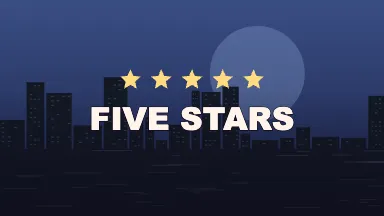
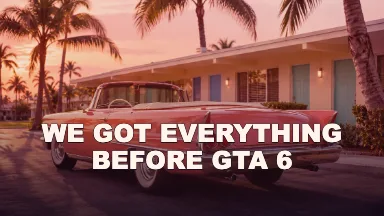
Build a still meme
Start with the punchline
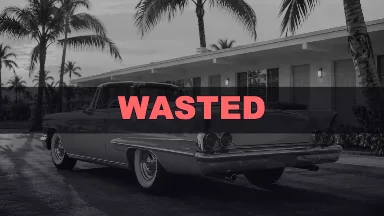
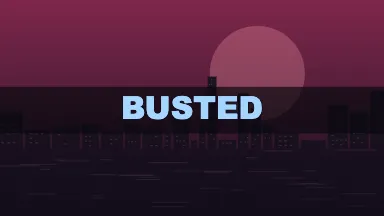
A one-word reaction works when the picture already tells the story. Wasted puts the caption in a darkened band, while Mission Passed uses a warm title treatment. Choose whichever makes the joke clear at a glance.
Crop for the post
The editor opens in 4:5 for vertical feed images. A 1:1 crop gives you an even square for chat and a 16:9 crop keeps a wide photo from losing its sides. The source stays intact when you switch ratios.
Check the caption at preview size
Use two lines when the setup and punchline belong on separate beats. Canvas fits longer captions to the available space. A short first line and a longer second line often read better on a phone than a single crowded sentence.
FAQ
Can I make the meme from a screenshot or photo?
Yes. Add a picture from your device and the editor uses it behind the caption. If the subject is near the edge, try a wider crop so more of the source remains in view.
What is the difference between PNG and JPG?
PNG keeps hard edges around text clean and is the default for template artwork. JPG usually produces a smaller image when the background is a detailed photograph. Both formats save the current crop.
How do I make a five-star meme?
Choose Five Stars, add a caption if you want one, and preview the result. The stars are part of the template, so they remain when you change the background photo or clear the caption field.
What happens when I change templates?
Picking a template loads its caption and styling. Your background file stays available. Change the caption after picking the template, or remove the file to restore that template’s original artwork.
How do I get an animated version?
Open GIF Maker for a short repeating reaction or Meme Video for more timing and animation controls. The still editor focuses on the frame you want to save as a picture.
Is this editor free?
Yes. You can use the templates, edit local media and download the result without signing up or buying credits.
Are my photos uploaded?
Your browser reads the file locally and renders the result on your device. Photos, videos and captions stay in the editor.
Is this affiliated with Rockstar Games?
This is an independent fan-made tool. It has no affiliation with Rockstar Games or Take-Two.