GTA 5 Last Drive Video Maker
Cut a sunset drive into a quiet farewell with a title and a fade to black.
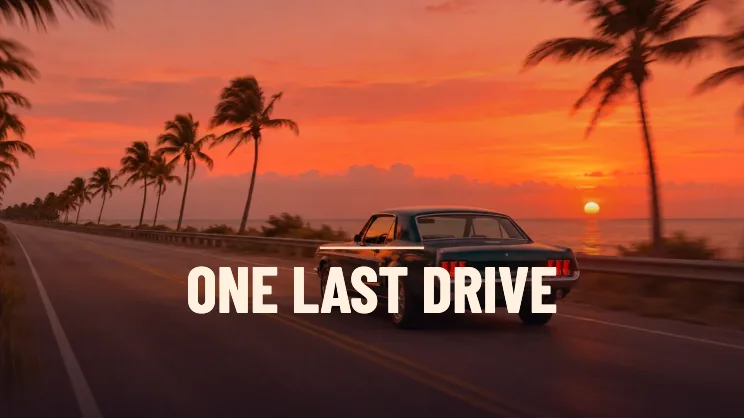
Make a last drive through the sunset
Start on the road
Use the sunset road sample, a car photo, or a road clip you recorded. A rear view of the car gives the title a clear horizon.
Choose where the clip begins
For a video source, use Clip start to get onto the road right away. Check the end of the preview for the point where the picture fades and the title stays.
Pick an ending length
Take eight seconds for a quick farewell or ten for a longer hold. A video shorter than the selected setting sets the maximum duration.
FAQ
Can I use a stationary photo?
Yes. The camera pushes into a still photo before fading out.
Can I keep the sound from my drive?
The editor creates a silent clip. You can add your own soundtrack after saving it.
Which shape keeps more of the road visible?
Start with 16:9 to keep the road edges. Use 9:16 if the car and horizon are both close to the middle.