GTA 6 Product Loading Screen Maker
Place your item in a framed photo panel with a name and a loading indicator.
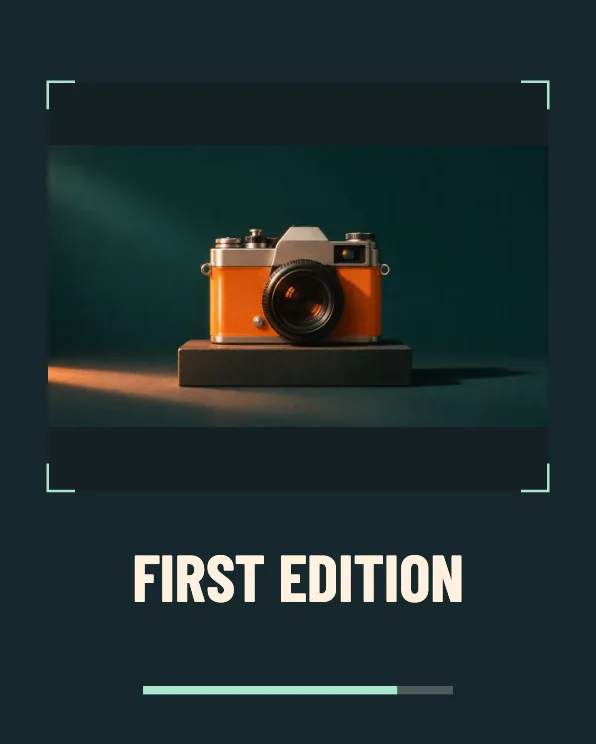
Build a loading card for an item
Photograph the item
A well-lit photo against a simple surface works best. Leave extra room around packaging so the edges stay visible.
Check the photo panel
The frame fits the entire image inside the card. A wide photo leaves space above and below, and a phone photo makes a taller composition.
Name the item
Keep the name short enough to read under the picture. Choose PNG for product graphics or JPG to share the card quickly.
FAQ
Does the crop cut off the packaging?
The product panel fits the entire image inside its boundaries. Check the preview if the object was already cropped in the original.
Can I use a transparent PNG?
Yes. Transparent areas show the card’s background.
Is there a moving product version?
Use Loading Reveal to animate the original product photo with a tile transition.