GTA 6 Couple Poster Maker
Put two portraits on a shared cover, or start with one photo of both people.
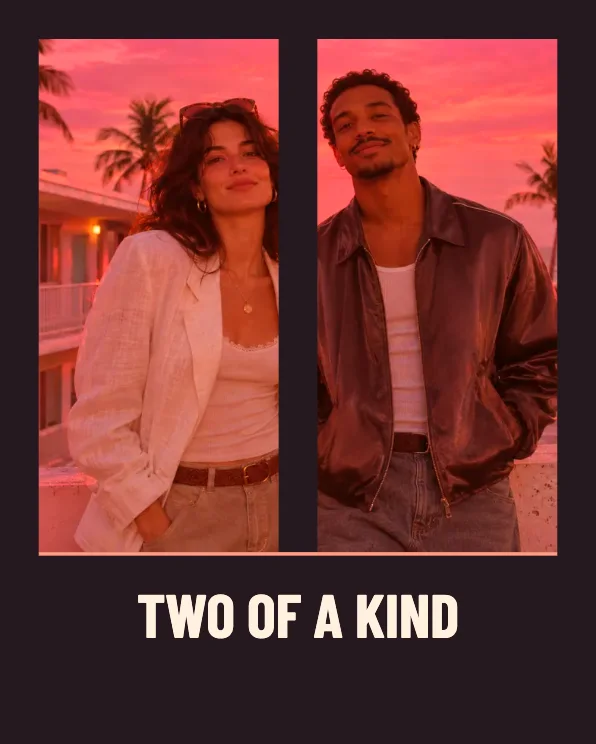
Create a cover for two
Choose a group shot or a pair
Use one photo of both people, or add a different photo to each slot. The second slot switches to two framed portraits. Choose pictures with the faces near their centers.
Add a shared title
Use two names, a place or a date. The title goes below the main image area, so you can see both faces.
Check the crop
Use 4:5 for a feed, or try 16:9 if you choose a shared landscape photo. Download the version where both subjects have room.
FAQ
Can I use one photo with both people?
Yes. Add the shared photo to the first slot and leave the second slot empty.
Can the two photos be different sizes?
Yes. The editor crops each photo into its own pane. Leave space around each face for the crop.
Can I make a moving version?
Couple Teaser gives each subject a separate opening shot before bringing the two photos together.