GTA 6 Basketball Highlight Maker
Put a shot call and a pulsing scoreboard over a court photo or clip.
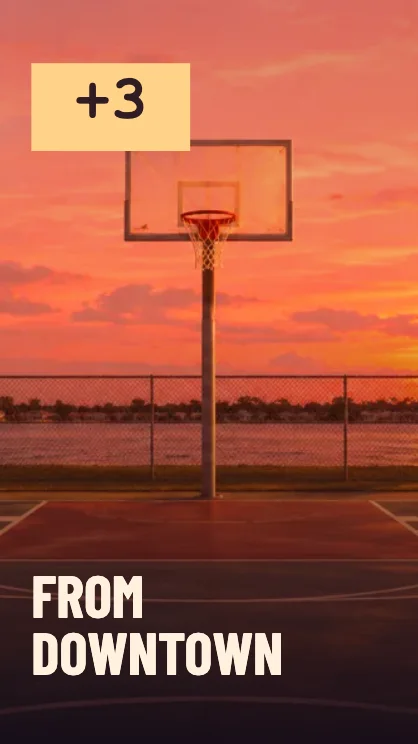
Make a basketball highlight
Pick the shot
Use a court photo or select a short clip that already has the action. Put the hoop or the player near the center of a vertical crop.
Set the shot value
Pick free throw, two-pointer or three-pointer. The number lights up as the edit reaches its scoring beat.
Line up the score
Watch the preview. Move Clip start until the score animation is close to the basket. Add a headline like “From downtown” to make the highlight clear with sound off.
FAQ
Does the editor detect the basket?
You choose the shot value and adjust the clip start. The scoreboard animates at a fixed point in the selected interval.
Can I make a still sports graphic?
The video editor animates the scoreboard. To make a static reaction with the clip, choose Image in the home editor.
Why is my clip shorter than five seconds?
The editor uses no more time than the source file contains. Start with a longer clip if the preview ends before the intended beat.