GTA 6 Loading Screen Maker
Put your photo, title and a progress bar together in a vertical loading poster.
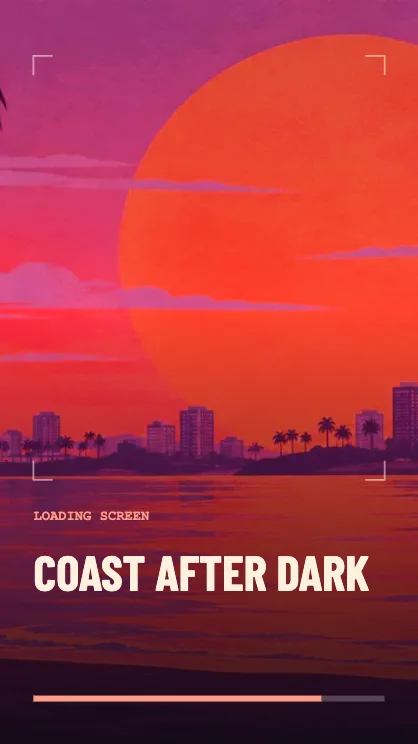
Make a loading screen from a photo
Start with a portrait
Choose a photo with space around the person or object. The poster crops to fill the frame, so a subject near the center has the most room. You can try the coastal sample before choosing a file.
Name the scene
Use a location, a person’s name or the name of an event. The title sits below the image area, with the loading bar on its own line.
Save the cover
Keep 9:16 for a phone story or switch to 4:5 for a feed. PNG keeps the type crisp. JPG is handy if the photo needs to be a smaller file.
FAQ
Does this work as a vertical cover?
Yes. The editor starts in 9:16. You can also choose a square, 4:5 or landscape crop.
Does a photo get painted over?
The layout frames your original photo and adds type and a progress bar. The image is kept on your device.
How do I animate the loading screen?
Use Loading Reveal for the tile entrance, or Your Ride for a moving photo with a progress bar.