GTA 6 Loading Screen Video Maker
Reveal a photo from the bottom up and hold the finished loading poster on screen.
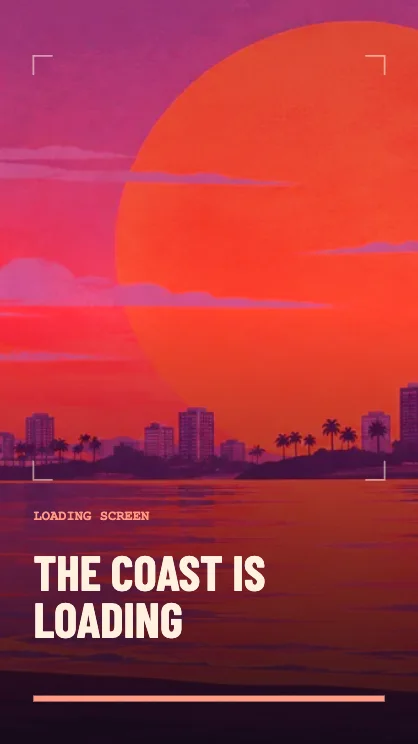
Make a tiled loading reveal
Choose the final frame
Use a photo that still reads when only the lower third is visible. The tiles open from the bottom toward the top. Bright water or streetlights make the early tiles easy to see.
Write the end title
Use a short title. It appears close to the end of the reveal, giving the finished poster its own beat.
Watch the hold
Play the full preview to see when the final title lands. Pick eight seconds if viewers need longer to read the finished cover, or download a five-second cut for a quick intro.
FAQ
Does the last frame stay on screen?
Yes. The tile animation settles before the clip ends, leaving time to read the full title.
Can I reveal a photo of my own?
Yes. Add a photo to use it as the picture underneath the tiles.
Which formats are available?
Video export offers WebM and MP4 when supported by your browser. The clip is silent.