GTA 5 Goodbye · 2013 vs. 2026
Put a recent photo and an optional older photo in a labeled then-and-now split screen.
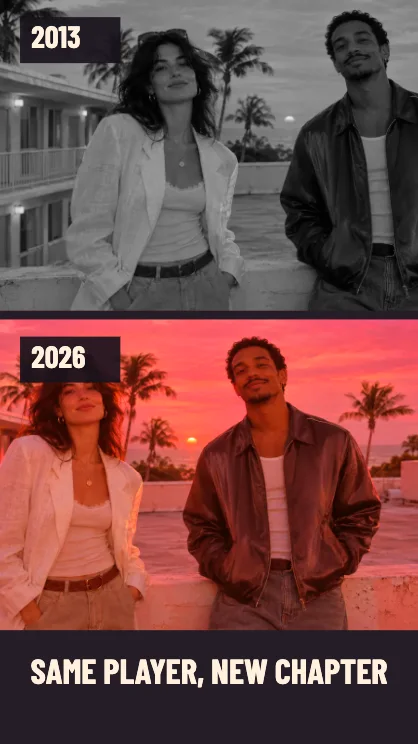
Put two years in one farewell clip
Add a recent photo
Choose a current photo in the first slot. Leave space around the face so the crop can follow the vertical frame.
Add a photo from 2013
Use an older photo in the second slot. It goes in the 2013 panel while your first photo goes in 2026. With one photo the editor uses that same picture in both panes.
Read the years in the preview
Vertical stacks the photos. A wide crop places them side by side. Keep the caption short so the year labels stay easy to read throughout the clip.
FAQ
Which file goes in the 2013 panel?
The second file. The first upload is the recent photo for the 2026 panel.
Does one selfie get turned into a childhood photo?
The one-photo version uses two crops of the same image. Add an older photo for a genuine comparison.
Do I need two photos to export?
One photo is enough. For a true then-and-now post, use two photos with similar framing.