GTA 6 Fan Trailer Maker
Cut two shots and an end title into a short fan trailer.
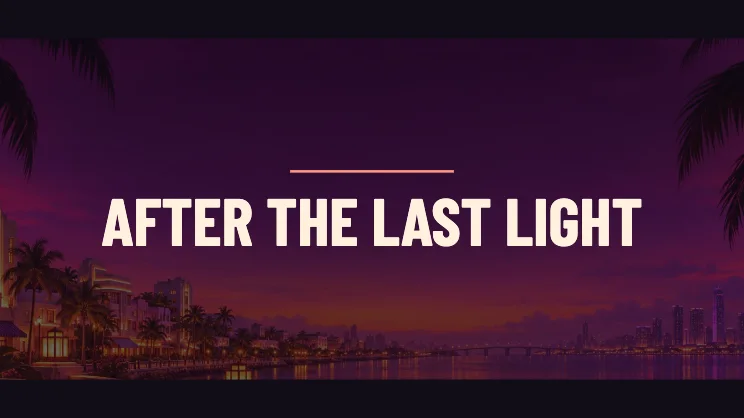
Build a short fan trailer
Open with the strongest shot
Start with a photo or clip that establishes the place. A wide scene gives the letterboxed layout space on both sides.
Choose the cutaway
Add a second photo for the next shot. With one file, the trailer makes a differently framed push-in on the same source.
Give the title time
The last part of the video darkens the picture and holds the title. Use a short phrase viewers can read on first pass. Save the finished clip with the format your browser offers.
FAQ
Can I use my own footage?
Yes. The first input accepts a photo or a supported video file. The optional cutaway is a photo.
Can I add music here?
The trailer saves as silent video. Add a soundtrack you can use in another editor afterward.
Does this include game footage?
It starts with original coastal art. You can replace that sample with your own media.