GTA 6 Airboat Escape Video Maker
Build a marsh-channel edit with a low wake and a swaying camera.
Create a marsh escape edit
Use a low-angle scene
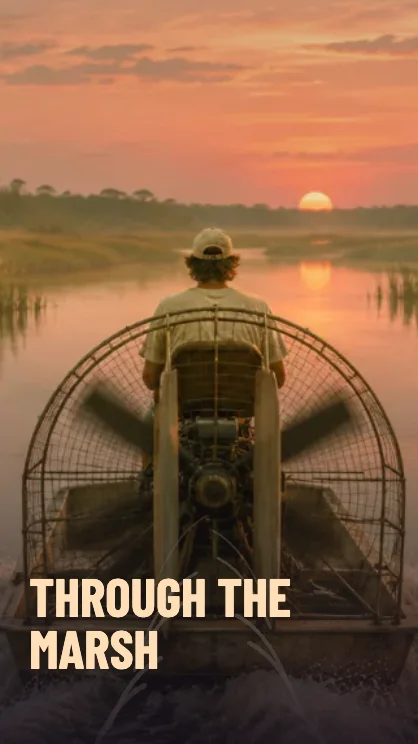
The original marsh sample has a narrow channel with reeds on both sides. For a custom image, choose a waterway with a clear path through its center.
Fit the channel to the frame
Keep the channel near the middle in 9:16. In 16:9 more reeds and shoreline stay visible during the camera sway.
Preview the motion
Watch how the wake starts small and widens near the bottom. Save once the title and wake both stay clear over the foreground.
FAQ
Can I use any marsh photo?
Yes. A photo with visible water at the bottom gives the wake overlay a natural place to sit.
Does it add characters or dialogue?
The airboat scene is a silent photo edit with layered wake and camera movement.
Can I try it without a photo?
Yes. The included marsh scene is ready to preview and download.