GTA 6 Car Loading Screen Maker
Put your car on a loading screen with its own name and a moving progress bar.
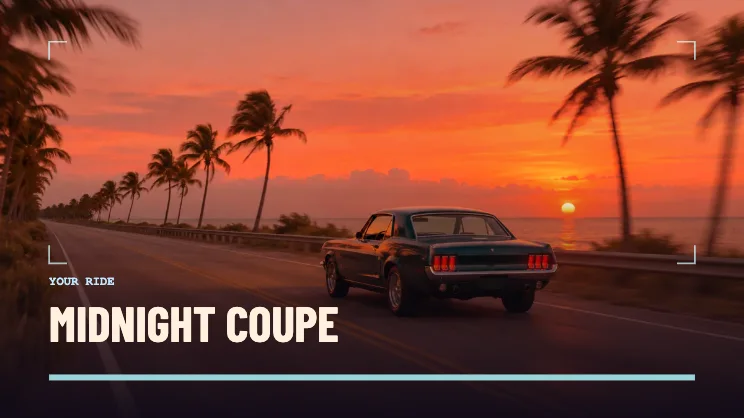
Make a loading screen for your car
Choose a clear vehicle photo
Use a side view or rear three-quarter view with room around the bumpers. Start in 16:9 so the whole car has space.
Name the ride
Enter a nickname or model name. The car name and progress bar sit over the lower part of the frame.
Preview the push-in
Play the video mode before saving to make sure the final crop keeps the vehicle in view. Save PNG if you want a cover image, or choose a short video for an intro.
FAQ
Does my car move in the photo?
The animation moves the camera over the photo and fills the progress bar.
Can I use a motorcycle?
Yes. The canvas accepts a photo of any vehicle. A wide photo leaves room around both wheels in 16:9.
Can I export both a still and a video?
Yes. Choose PNG for the still or WebM and MP4 where available for the animated version.