GTA 6 Cover Art Maker
Pair a wide photo with a title block you can read at thumbnail size.
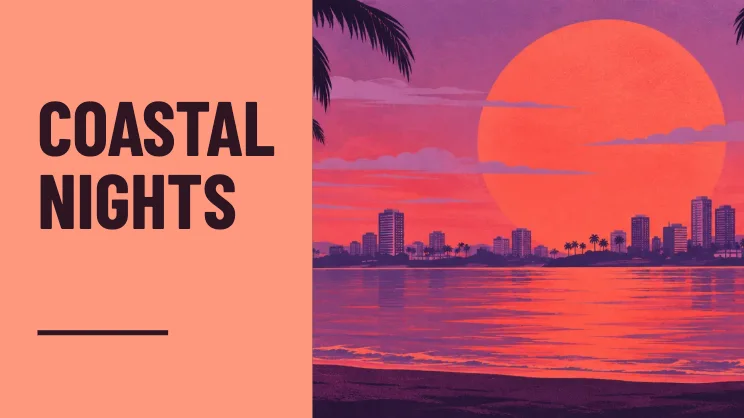
Make cover art that reads at a glance
Find a wide image
Pick a photo where the most important detail sits on the right half. The title block sits on the left in landscape and at the bottom in portrait.
Set a short headline
Keep the main words on one or two lines. Choose Coral, Midnight or Sand to set the color of the title block.
Check the small version
Look at the title in the preview before saving. A short title and uncluttered photo work well in thumbnail feeds. Use 16:9 as a video cover or 4:5 as a portrait post.
FAQ
Can I use this as a video thumbnail?
Yes. Choose 16:9 and save PNG for sharp text, or JPG for a smaller photo-heavy image.
Does the text cover my whole picture?
The cover keeps the photo and title in their own areas. The title block moves below the picture in a tall crop.
Is there a watermark?
The download contains the picture and cover design without a site watermark.