GTA 6 Neon Drive Video Maker
Make a night-drive edit with a slow camera glide and neon reflections.
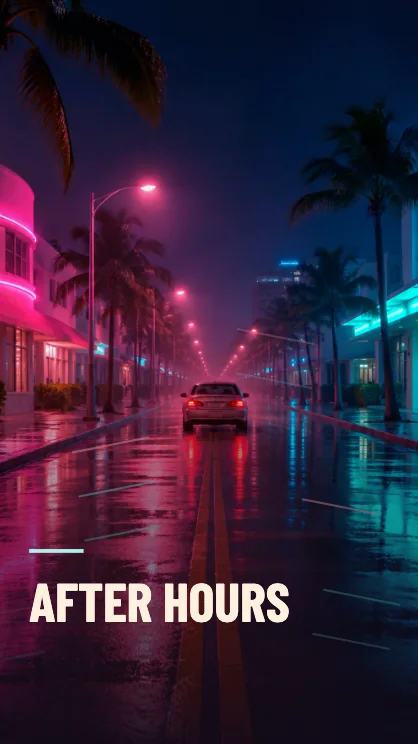
Make a neon night-drive clip
Choose a night scene
Streetlights, wet pavement and illuminated windows give the moving light a place to land. Use the example avenue if you want to test the look first.
Leave a little room to move
The camera glides across the photo and tightens the crop. In a vertical frame, keep the clearest reflection or vehicle near the center.
Review the light pass
Play five seconds for a quick motion edit. The eight-second cut gives the reflections and title a slower pace.
FAQ
Which photos work under this effect?
A low-light photo with defined highlights usually works well. A daylight photo picks up the color cast and moving lights too.
Does it edit the original file?
Your photo stays as it was. The downloaded file contains the graded and animated copy.
Can I keep it still?
Use GTA Filter and select Neon to download a still image with a related color treatment.