GTA 6 Couple Teaser Video Maker
Show one portrait at a time, then bring both together on a shared title card.
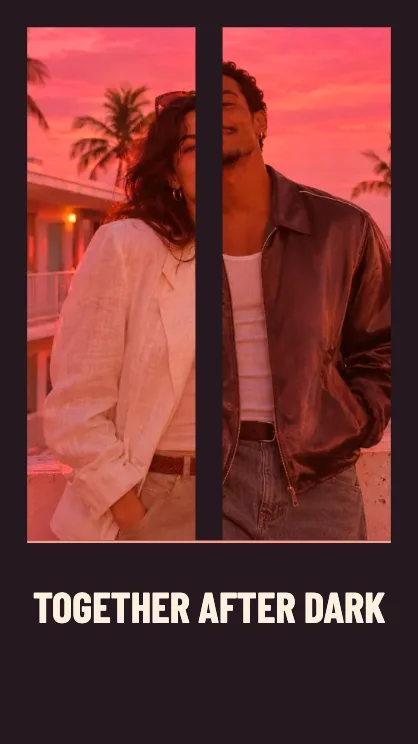
Make a two-person teaser
Choose two portraits
Use one slot for each person. Similar lighting makes the cuts feel connected. If you have one photo with both people, keep the second slot empty.
Name the pair
Use two names, an event or a short title. It lands on the final card after the two solo shots.
Watch the reveal
The last shot puts both portraits in one cover. Use eight seconds if you want a longer look at each face or five for a quick introduction.
FAQ
Can I use a single photo of us?
Yes. The two opening shots use different positions in the photo. The final card shows the shared image.
Do both photos have to match?
They can have different sizes. Center each face so the close crop on its solo shot has room.
How do I download just the final layout?
Use Couple Poster for a still with the same choice of one shared photo or two portraits.