GTA 6 Pet Loading Screen Maker
Make a square loading portrait for your dog, cat or other pet.
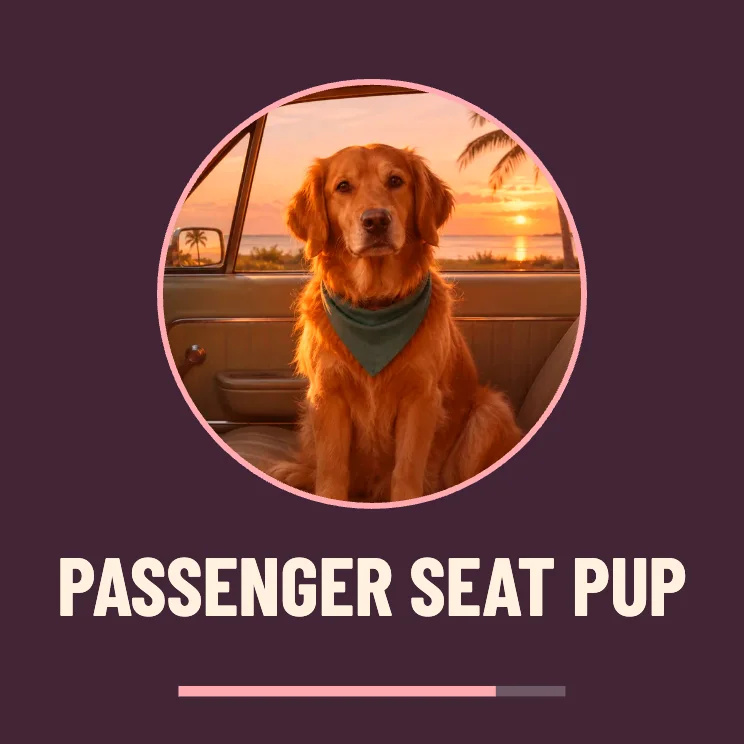
Frame your pet for a loading screen
Focus on the face
Start with a picture that includes the full head, with room around the ears. The circular portrait uses the middle of the photo.
Write a short name
Try a name or a line like “Loading walk time.” Short text stays readable on a small profile tile.
Save a square copy
Choose PNG for a profile image or use JPG for a lighter photo. In 4:5 the pet portrait keeps its round shape and gains more margin.
FAQ
Can I put a cat or two pets in the frame?
Yes. A centered image with a little more space around the subjects helps keep both pets inside the round crop.
Will this remove the background?
The round crop uses your complete photo inside the frame. If you want a plain background, choose a photo that already has one.
Can I change the name?
Yes. The Pet name field updates the text in the preview and the downloaded file.