GTA 6 Getaway Video Maker
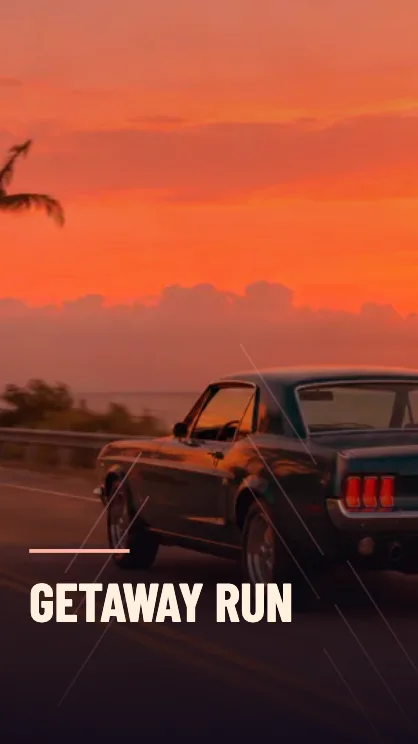
Make a fast-cut getaway edit with a tight camera push and edge streaks.
Build a short getaway edit
Choose a focal point
A car viewed from behind, a moving bike or a centered street clip works well. Leave room around the subject for the tighter crop during the push-in.
Select the pace
Quick uses a smoother push. High adds larger camera moves and stronger streaks. Play the preview to check that the main subject stays in frame.
Save the clip
A five-second cut hits the effect quickly. Use ten seconds when a source clip has enough movement to carry a longer edit.
FAQ
Does it create new chase footage?
It adds movement and graphic streaks over a photo, clip or original road sample.
What happens when my source clip is shorter?
The available source length caps the export. You can still trim the start when there is room.
Will this work without an upload?
Yes. The editor opens with the coastal road sample so you can try the effect right away.