GTA 6 Photo Filter
Give a photo a Sunset, Neon or Noir grade and compare it with the original.
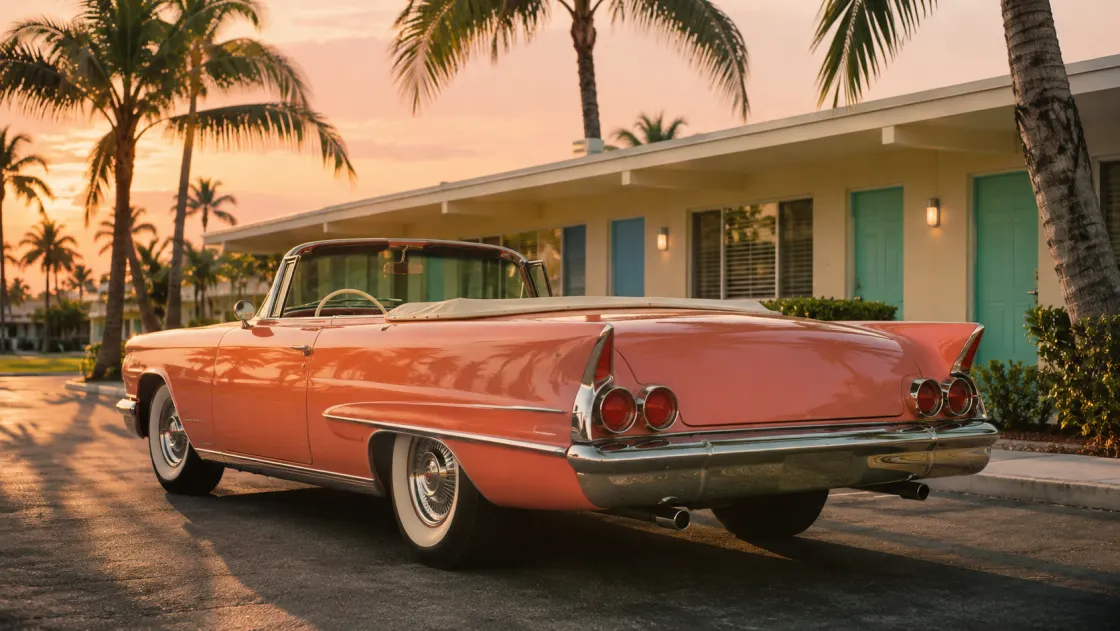
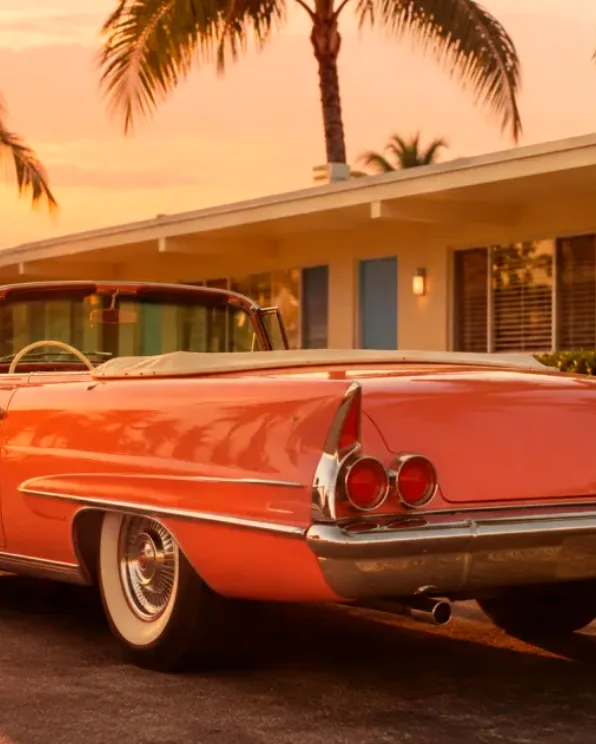
Choose a color grade for your photo
Open the photo
Use a photo with readable faces or details in the shadows. The Before pane shows the same framing as your graded version.
Switch the palette
Sunset shifts toward warm peach and pink, Neon adds cool violet shadows, and Noir takes the image into black and white. Check skin tones and small text in the comparison before you decide.
Choose a crop
Start with 4:5 for a portrait or 1:1 for a profile image. You can clear the caption so the filter is the only change.
FAQ
Will the filter redraw my face?
It adjusts colors and contrast while keeping the underlying picture and faces as they are.
What looks best under the Neon grade?
Try a night shot with some detail in the highlights. Colored lights and reflections tend to show the shift more clearly than a photo with a flat sky.
Can I save the original shape?
Choose the closest of the supported crops and check the Before pane. The canvas fills that crop edge to edge.