GTA 6 Character Switch Video Maker
Cut between two portraits with a quick camera zoom and a bright transition.
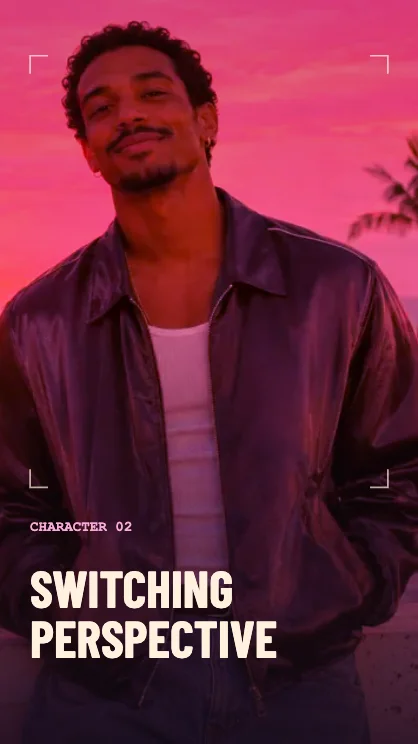
Make a two-photo character switch
Choose your starting shot
Put the first subject in the first slot. Center the face or main detail so the camera can zoom in before the cut.
Choose the second subject
Add a second photo. A different distance or color makes the cut read quickly. With one photo, the switch uses two positions within the same image.
Watch both sides of the cut
The final shot zooms back out before the clip ends. Use six seconds for a longer look at the second character or four for a fast reveal.
FAQ
Does it swap faces?
It cuts between photos. The faces in each photo stay as they are.
Can I show pets or objects?
Yes. Choose any two photos and put the first subject in the first slot.
Where does the switch happen?
The cut is near the middle, with a bright transition between the outgoing and incoming shots.