GTA 6 Character Card Maker
Turn a portrait into a character card with a name plate and class label.
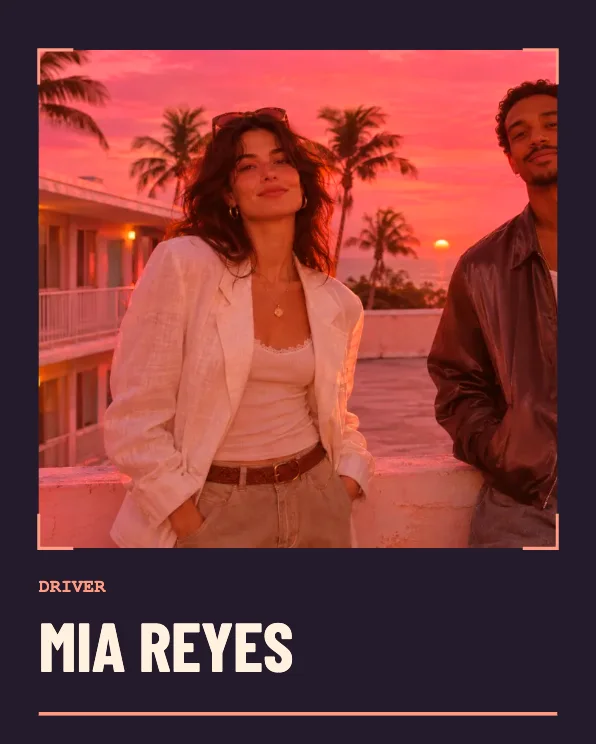
Build a character card
Frame the portrait
Choose a clear head-and-shoulders photo. Leave some space above the head and try 4:5 to keep the face prominent.
Give the character a name
Type a short name and pick Driver, Scout, or Local. The class line goes above the name, leaving more space for the portrait.
Save the card
Use 4:5 for a profile post or 1:1 for a square cast grid. Save each card separately if you want to introduce several characters.
FAQ
What does the class control change?
It changes the role written on the card and the color of the role and name accents.
Does this create a new face?
The tool frames and crops the face in the photo you pick.
Can I make a cast from two photos?
Use Couple Poster for two portraits in the same image, or make each character card one by one.